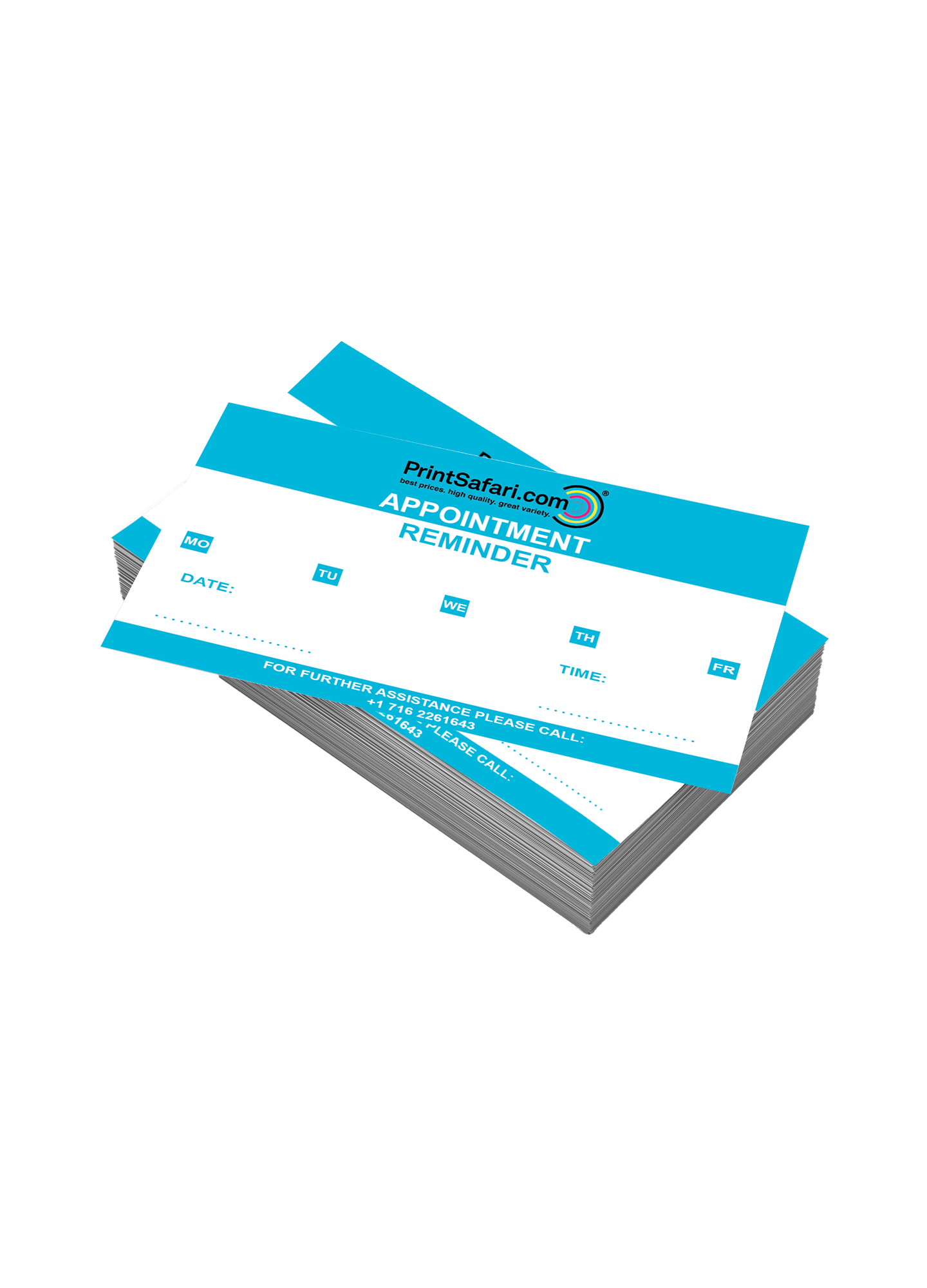
Appointment Card Printing
Introducing our custom appointment card, designed to streamline scheduling and enhance brand professionalism. Design and personalize all the details in your appointment cards to make a lasting impression on clients and customers. Take a deeper look at all our options for custom appointment cards and realize your project today. read more...Calculating your
best price and options...
Choose your Appointment Cards
Choose here if you want to order a complete system incl. print or only the print if you already have a system.
Calculating your
best price and options...
Create your Appointment Cards
Size is measured in inches (except for Banners).
Your artwork must be submitted in this size plus bleed. For more information please go to Bleed & Safe Area.
If your product includes folding, this is the size before folding.
Catalogs/Magazines and Calendars are not considered folded products. Their size refers to one page.
Each paper we offer is a good choice for the product. You often have the option between lighter and heavier papers. Papers also come with different coatings.
For more information, see our Paper Guide.
Note that some papers increase production time, as listed in Turnaround Times.
4/1 = Full color on front, B/W on the back.
4/4 = Full color on both sides.
1/0 = B/W on front, blank back.
0/0 = Blank
Here you can select rounded corners as an option.
Printed products with rounded corners are available in the following product categories: flyers & leaflets, post cards, appointment cards and business cards.
Several formats are available for selection:
2.0" x 2.9"
2.9" x 4.1"
4.1" x 5.8"
5.8" x 8.3"
8.3" x 11.7"
4.1" x 8.3"
3.25" x 2.25"
3.5" x 2"
Maxi: 9.25" x 5"
Round and oval items are available in the following sizes:
round: 3.75" diameter
oval: 5.70" x 3.75"
Business Card formats
corner radius: 0.15"
standard formats + Maxi format
corner radius: 0.25"
Production time depends on the product. You can find production times for this category in the description below (including additional turnaround times).
For your specific product's production time, please complete your filter selection or go to the product page — however you will have to add the additional turnaround times to these, too.
Please note:
Production starts on the day we have received your print-ready files before 10 AM EST (including your confirmed proofs, if any).
See Turnaround Time for more information.
Production time does not include shipping.
See Shipping for more information.
The quantity you select here is for one design only. To print several artworks you must add several items to the cart.
You can change the item quantity in the cart, if you want the same product for multiple designs.
High quantities may increase production time as listed in the category description or in Turnaround Times.
About Appointment Cards
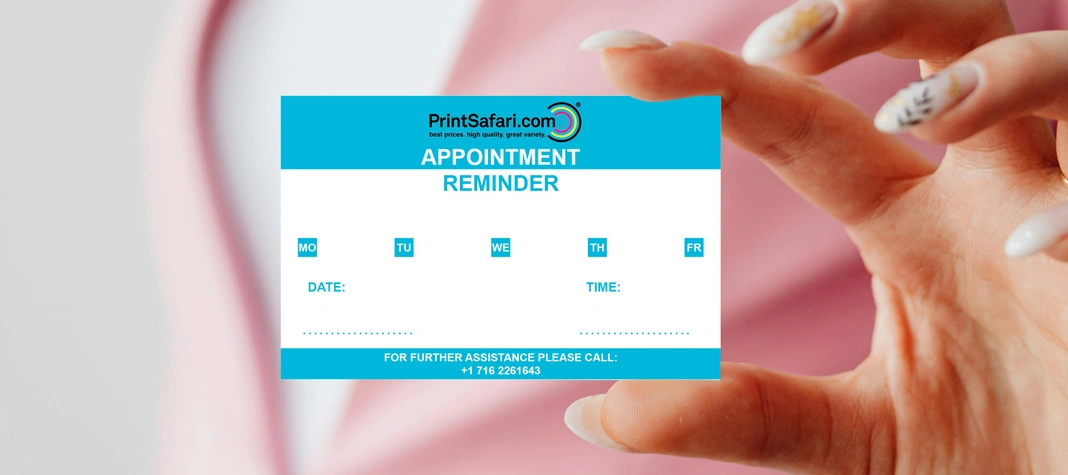
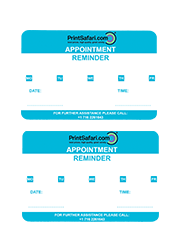
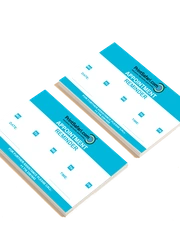
Our appointment cards offer a professional and practical solution for keeping your clients organized and engaged. Help your customers to stay organized with personalized reminders for important dates that highlight your brand, making sure they never miss a visit. Whether you use them for clients, medical offices, salons, or service-based businesses, our appointment cards provide a simple and effective way to improve your customer retention. Printed in 3.25 x 2.25 inches, so they have a similar size to Business or Plastic cards and are easy to carry around. Making them an effective tool to hand to customers.
- Paper Stocks: Choose between 100 lb Premium Uncoated/Offset Cover Paper (12 pt) for a smooth and writable surface or use14 pt Art Print for a sturdy, high-quality finish that enhances your design.
- Your own Design: You can freely design the appointment cards yourself. Add your logo, contact details, and brand colors. This will ensure that every card serves as a powerful reminder of your business and brand.
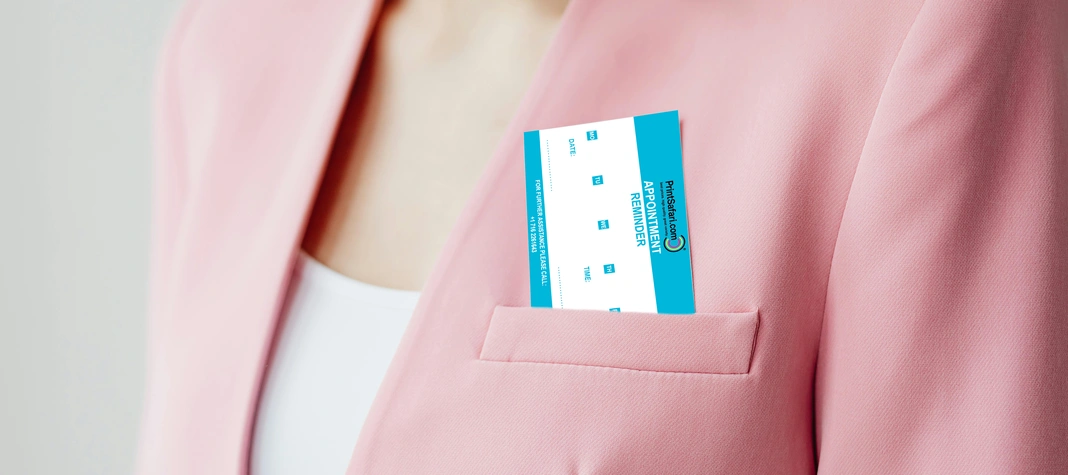
- Compact Size: With 3.25 x 2.25 inches do they have a very compact size that are similar to business cards or plastic cards. This makes it perfect for the appointment cards to easily fit in wallets and clients are more likely to keep them as a reference or reminder.
- Writable Surface: Our uncoated paper option provides a smooth surface which makes it easy to write on them with pens or pencils. This is perfect for adding notes and messages.
Appointment Cards for a Lasting Impression
Make a lasting impression with your business with our appointment cards. They perfectly blend both professionalism and daily use. They will help your customers and clients to stay on schedule while also representing your company's image and brand recognition. Use them for medical offices, beauty salons or other service providers.
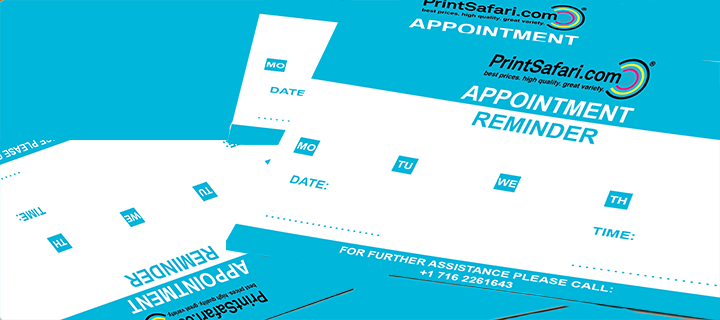
Samples
Reviews

Aiden from Wyoming
5/5
Following an order made on 08/25/2022
The cards are of good quality and at a great price.

Hazel from Delaware
5/5
Following an order made on 12/10/2023
I love the quality of the cards.
Frequently Asked Questions
What is an appointment card?
What size are the appointment cards?
What paper options do you offer?
Can I write on the appointment cards?
Can I customize my appointment cards?
Are appointment cards worth it?
Tips for Creating and Using Appointment Card
Keep It Simple: Ensure that the design is easy to read, with a clean layout that highlights appointment details and business information.
- Keep It Clear and Simple: Ensure the design is easy to read, with a clean layout that highlights appointment details and business information.
- Readability: Use readable fonts and ensure the appointment dates and text are easy to read. Make sure the text size is big enough.
- Include Your Brand: Maintain a similar design by including your brand's logo, colors, and typography.
- Leave Space for Writing: If you need to fill in an appointment manually make sure to plan enough space to allow writing with a pen. Please also make sure to choose our uncoated paper option for a better writability.
- Use Contrast Colors: Make sure to use colors that make it easy for the text to stand out against the background. This will make information easy to read.
Best Practices for Content
- Contact Information: include important details like your phone number, website, and address.
- Include an Action Call: Encourage your customers to confirm, reschedule, or follow up on appointments by adding a simple message.
- Add Extra Value: You can consider adding a loyalty program, like stamps or promotional discount to encourage business with your clients.
- Keep a balanced Design: Sometimes simple designs are better. Avoid too much text or images.
- Use Icons for Quick Recognition: Small icons for phone numbers, websites, or social media make information easy to spot at a glance.
- Use simple Icons: Use simple icons for phone numbers, websites, or social media.
Maximizing Cost-Effectiveness Without Sacrificing Quality
- Choose Durable Paper: For a more durable paper that will last longer, please choose 14 pt Art Print with an additional finish. This helps to make the cards appear more professional while also providing a longer durability.
- Order in Bulk: Order higher quantities to reduce the costs.
- Use Double-Sided Printing: Use both sides of the cards for your Design to add additional information. Fior example business hours, cancellation policies or a even a map to your location.
- Hand out Strategically: Place your year planner at locations like checkouts or inside of mailers. This help them to be visible.
- Encourage Digital Booking: Ad a QR code to your appointment cards that links to online scheduling. This makes it easy to rebook appointments.